What is Dayflower?
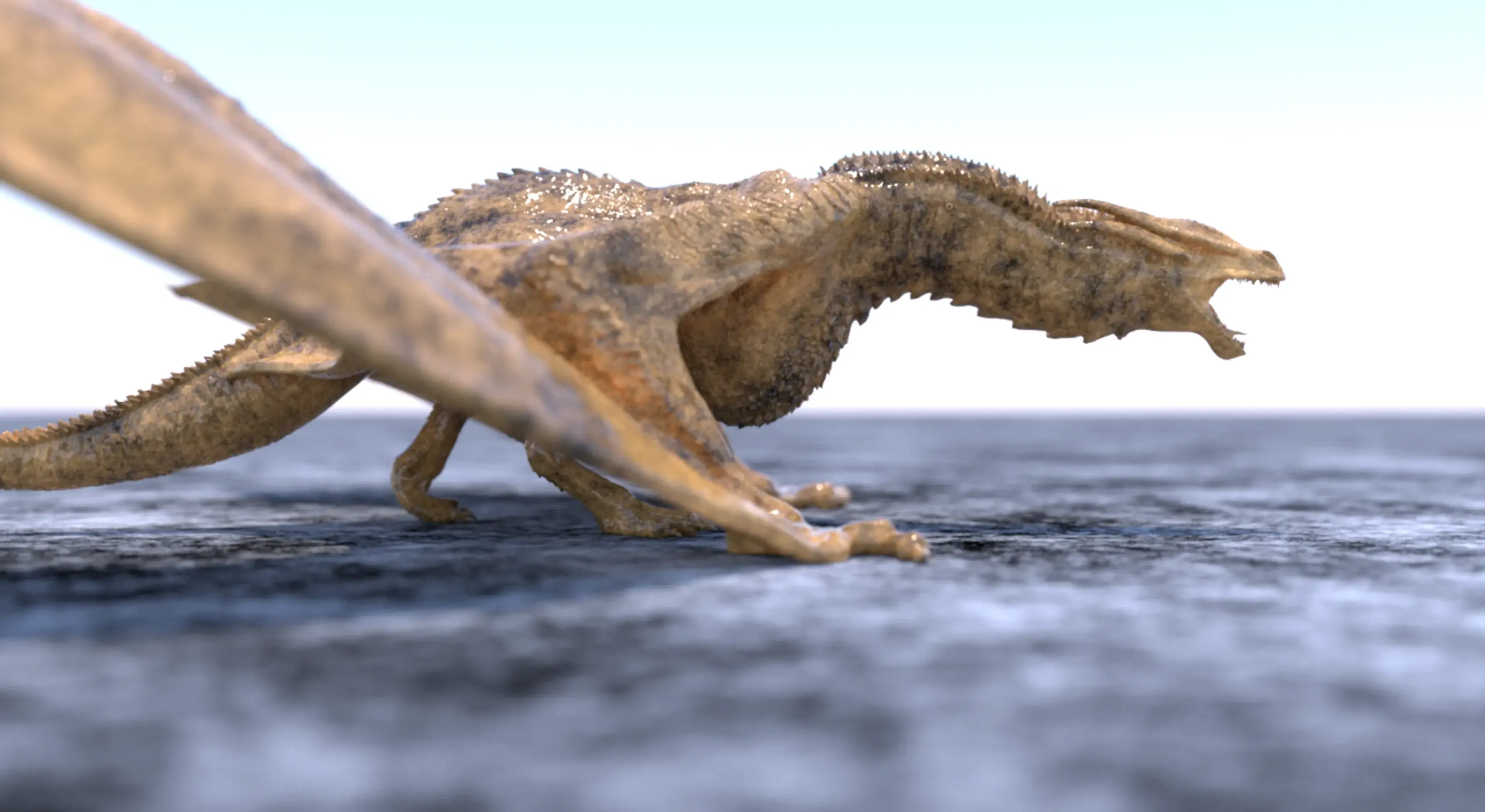
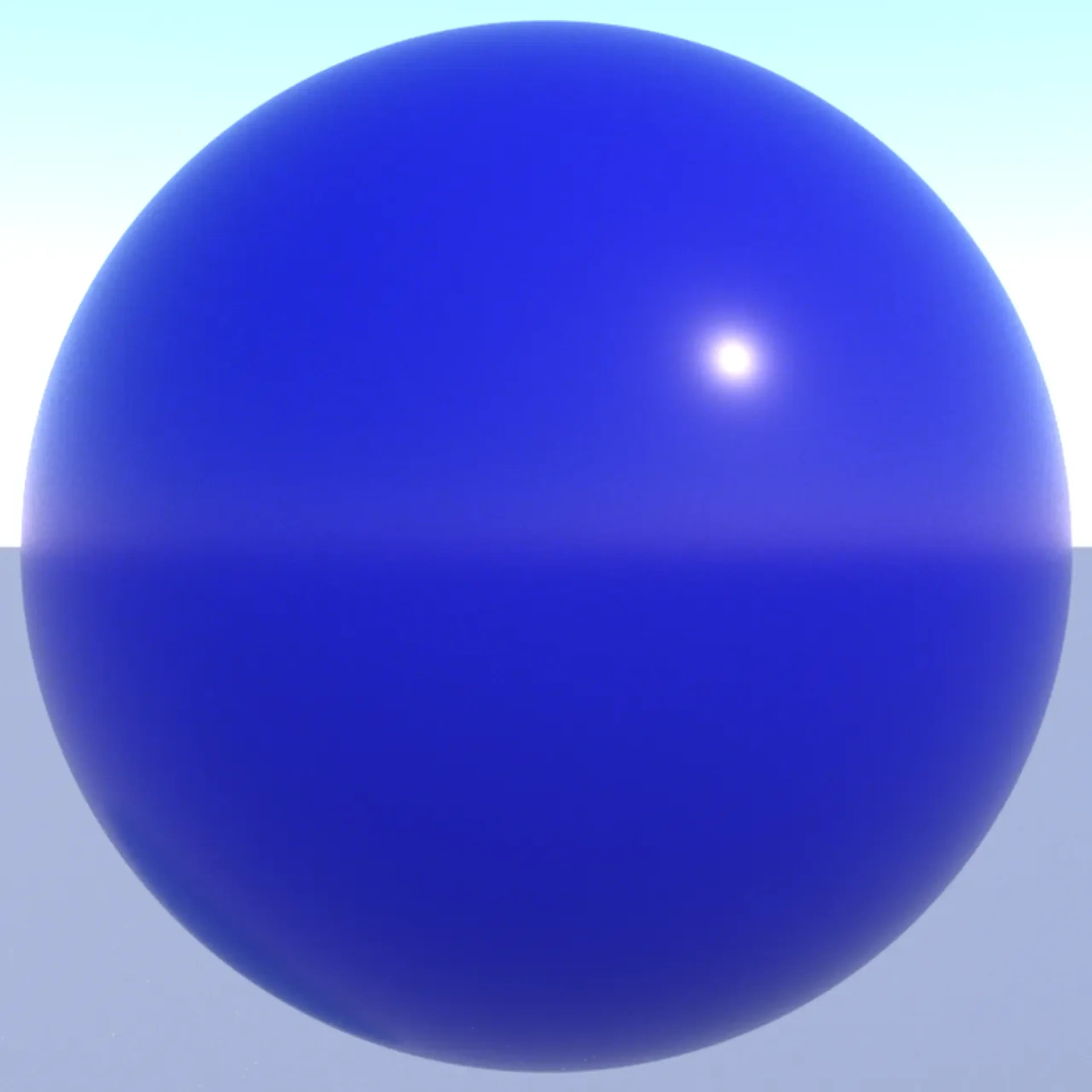
Dayflower is a photorealistic 3D-renderer written in Java.
The 3D-renderer can run on both the processor (CPU) and the graphics card (GPU).
Over the years a few different rendering algorithms have been supported. But it is path tracing that is the default. Some of the others are ambient occlusion, ray casting, ray marching and ray tracing.
The project was first started back in 2014 and has evolved over the years. The first official release was made in 2016. The next and current official release was made in 2020.
A new version is currently being worked on. But it has not been released yet. All images on this website were created by the new unreleased version of the renderer.
What is ray tracing and path tracing?
Ray tracing is a general term for algorithms that simulates light transport and / or computes the closest intersection point with geometry in the scene. It operates by creating rays (a data type that contains a point and a direction vector, similar to how one could model a light ray) from the camera into the scene, testing the scene for potential intersections and, depending on the algorithm used or the use case at hand, optionally create new rays from the closest intersection points. Creating the rays from the light sources in the scene would take a lot longer, so creating them from the camera is an optimization. If all you need is the intersection points from the first set of rays (directly from the camera), then this is often called ray casting. If more rays are created, these could be so called shadow or light rays (rays that are used to determine if an intersection point is in shadow from light sources or not), reflection rays and refraction (transmission) rays.
Path tracing is a form of recursive and stochastic ray tracing that uses the Monte Carlo method to compute the result. It operates by creating random rays from the camera and rays that are random but still based on the properties of the materials of the closest intersection points and random rays towards light sources in the scene. This is done many times for each pixel in the image. The result is the average for each pixel.